What is an Android TV launcher?
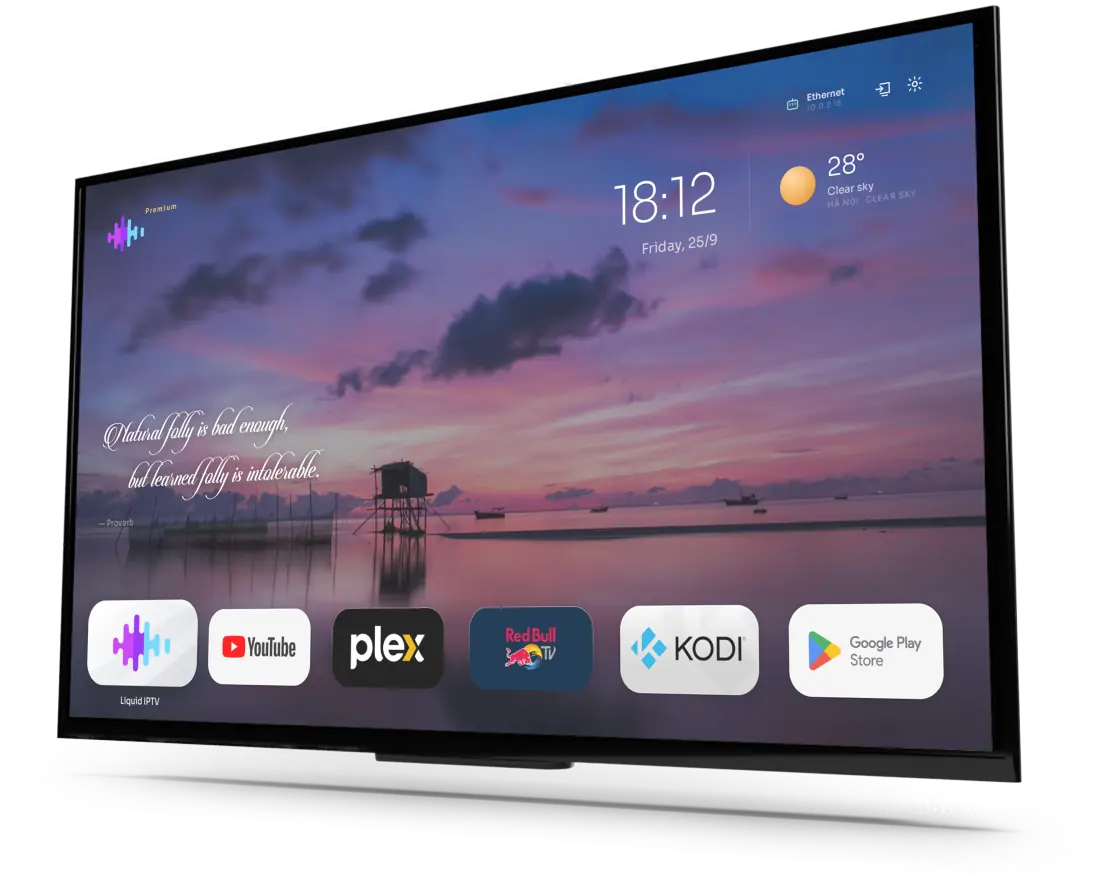
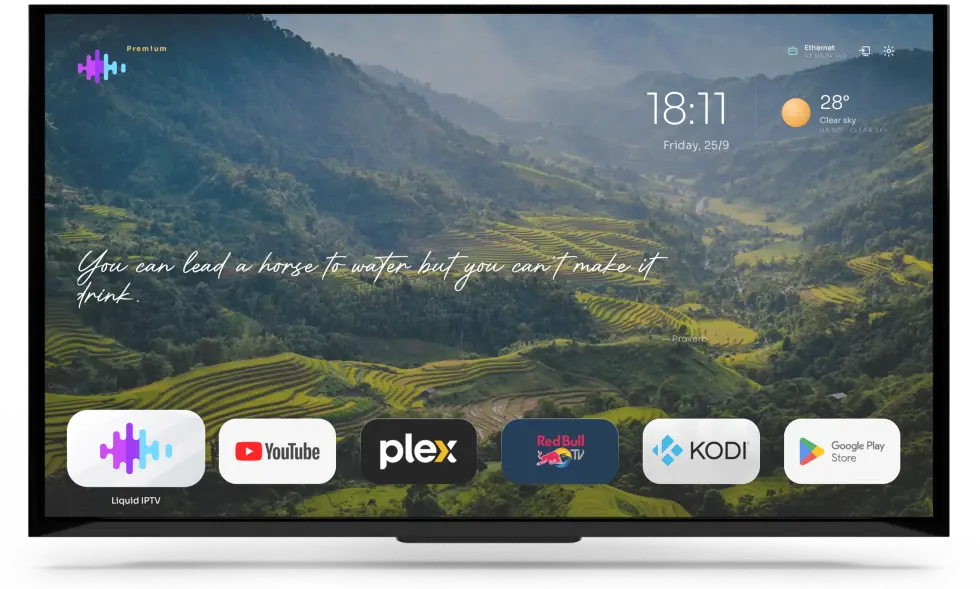
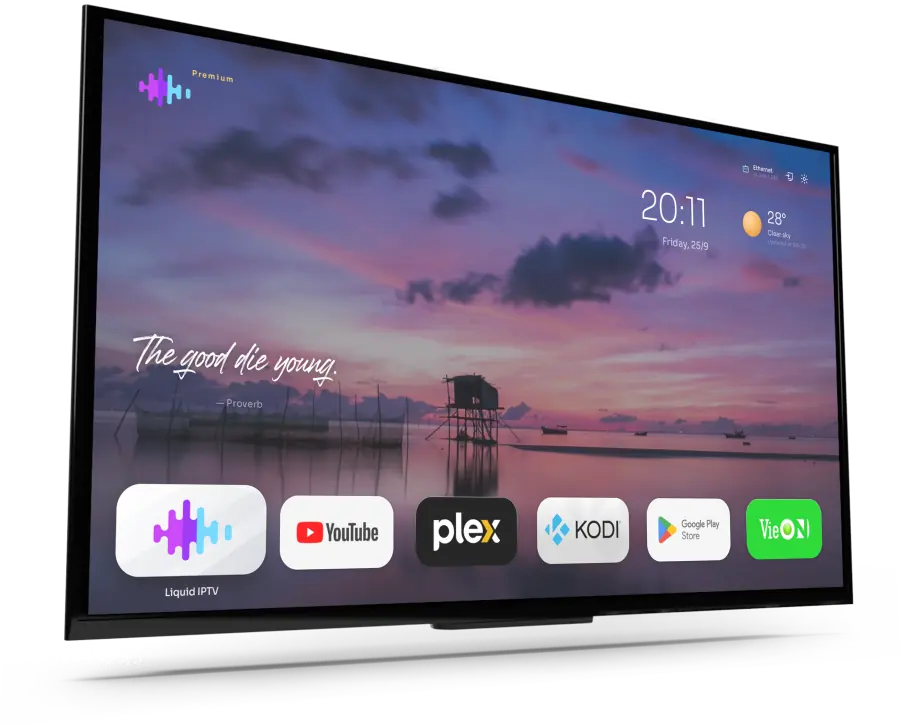
A launcher is the app that draws your TV’s home screen: the wallpaper, the clock and the apps you see when you press Home. Liquid Launcher replaces the stock home screen of an Android TV or TV box with one you set up yourself.
How do I install a custom launcher on an Android TV box?
Download the APK from this page, allow installs from unknown sources, and install it. Then press Home and, if your box asks, choose Liquid Launcher as the home app.
Does it work on Google TV or Fire TV?
Liquid Launcher is made for Android TV and Android TV boxes. Some systems, including many Google TV and Fire TV devices, don’t let you choose a different home app, so download it and try it on your device before you buy.
Can I hide and rearrange apps on the home screen?
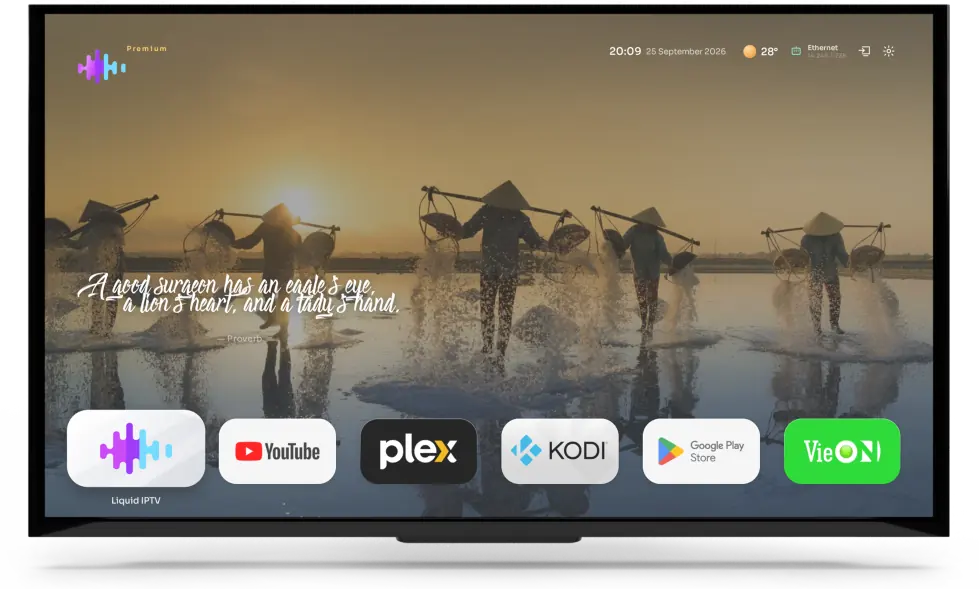
Yes. Line up the apps you use most in one row, hide the ones you never use, and switch the clock, weather, quote, network status, logo and app bar on or off — with the remote, or from your phone or computer on the web. The app grid can also show Android’s own Settings tile.
Can I change the wallpaper and the screensaver?
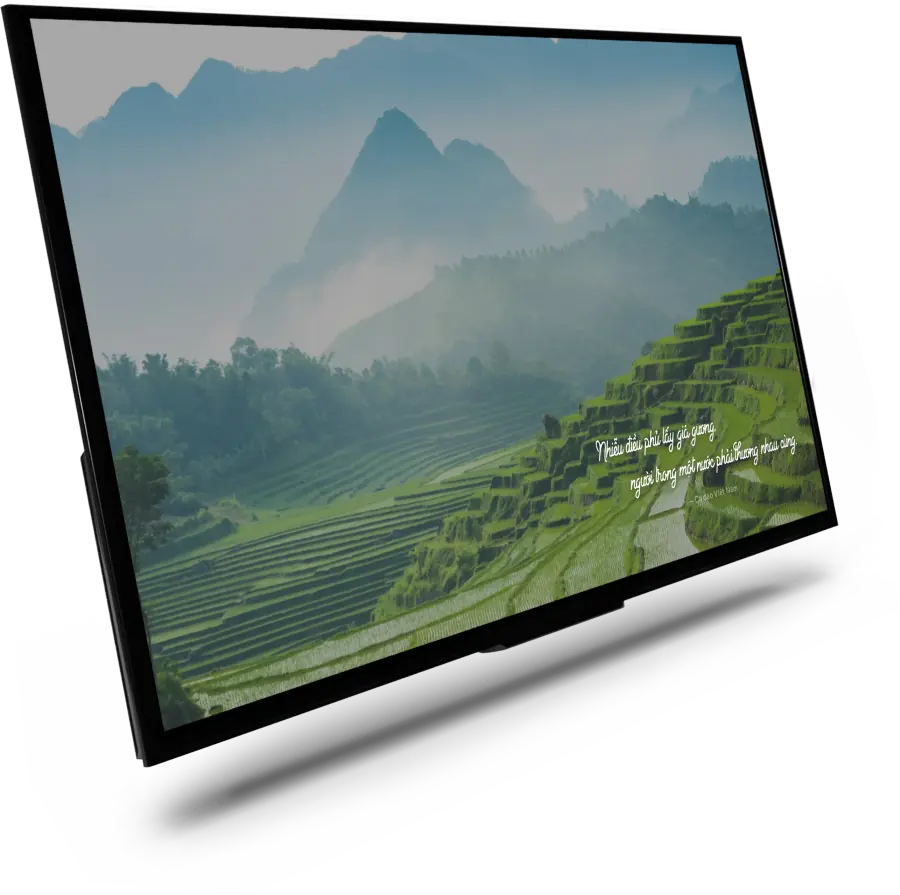
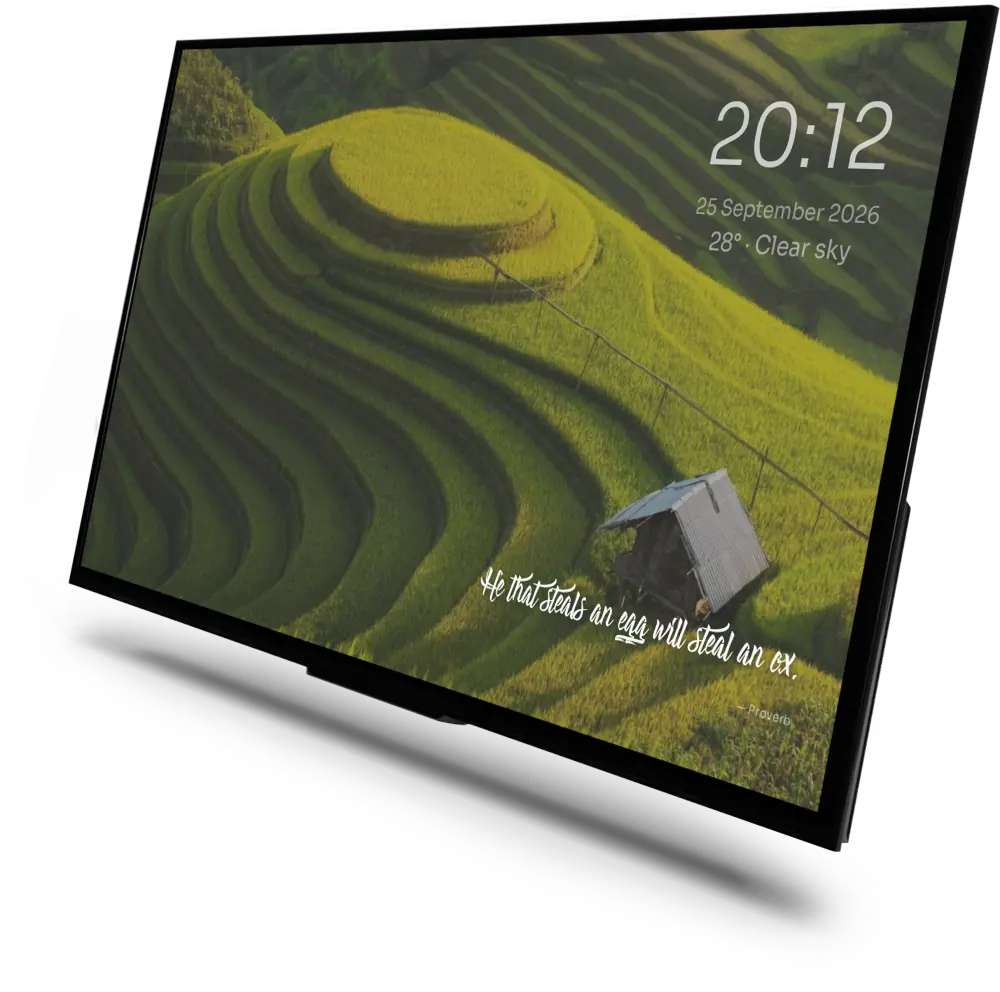
Pick landscape photos or video wallpapers and how often they change. When the TV sits idle, the screensaver shows a full-screen picture with a clock and a quote, and the remote brings you straight back.
How do I clean up a cluttered TV box home screen?
Set Liquid Launcher as the home screen: pressing Home then shows only your wallpaper, the elements you switch on and the apps you keep. Apps you never use can be hidden.
Is Liquid Launcher free?
The APK is free to download. The lifetime licence is a one-time payment for one device, with no renewal fee.
Which languages does it support?
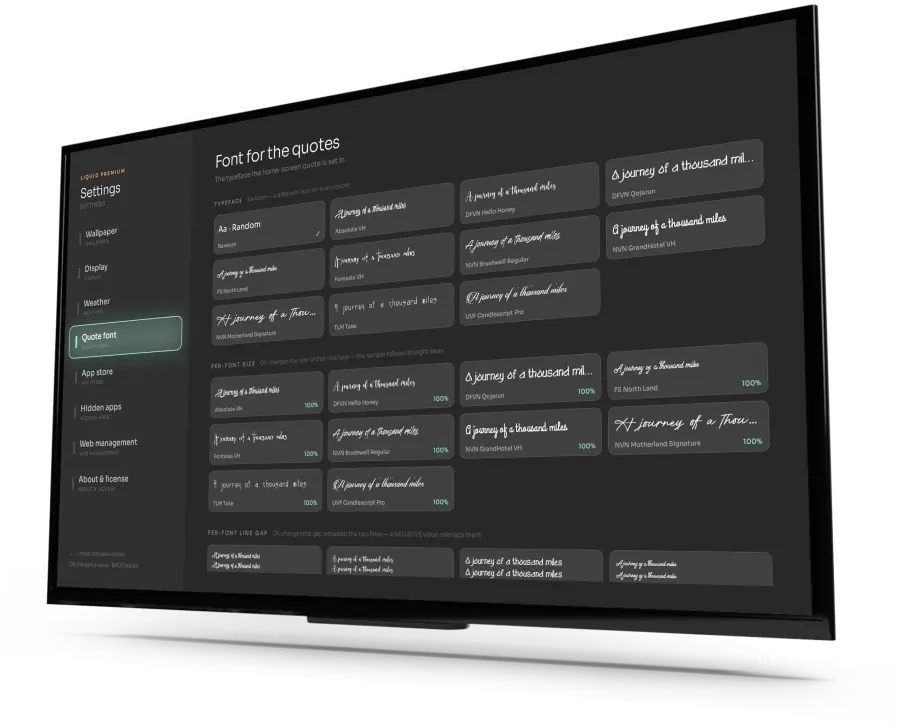
The daily quote on the home screen can be shown in 12 languages, so you can pick the one your family speaks. The date line can also show the Vietnamese or Chinese lunar calendar, with countdowns to festivals.