Liquid
Download Buy $10.00
Liquid Launcher for Android

A home screen
like a painting.

A beautiful, easy-to-use launcher for Android TV — landscape wallpapers, a daily quote, clock and weather, right on your screen.

Buy for life $10.00 See features Download

A sideloaded APK for Android TV — you’ll need to allow unknown sources.

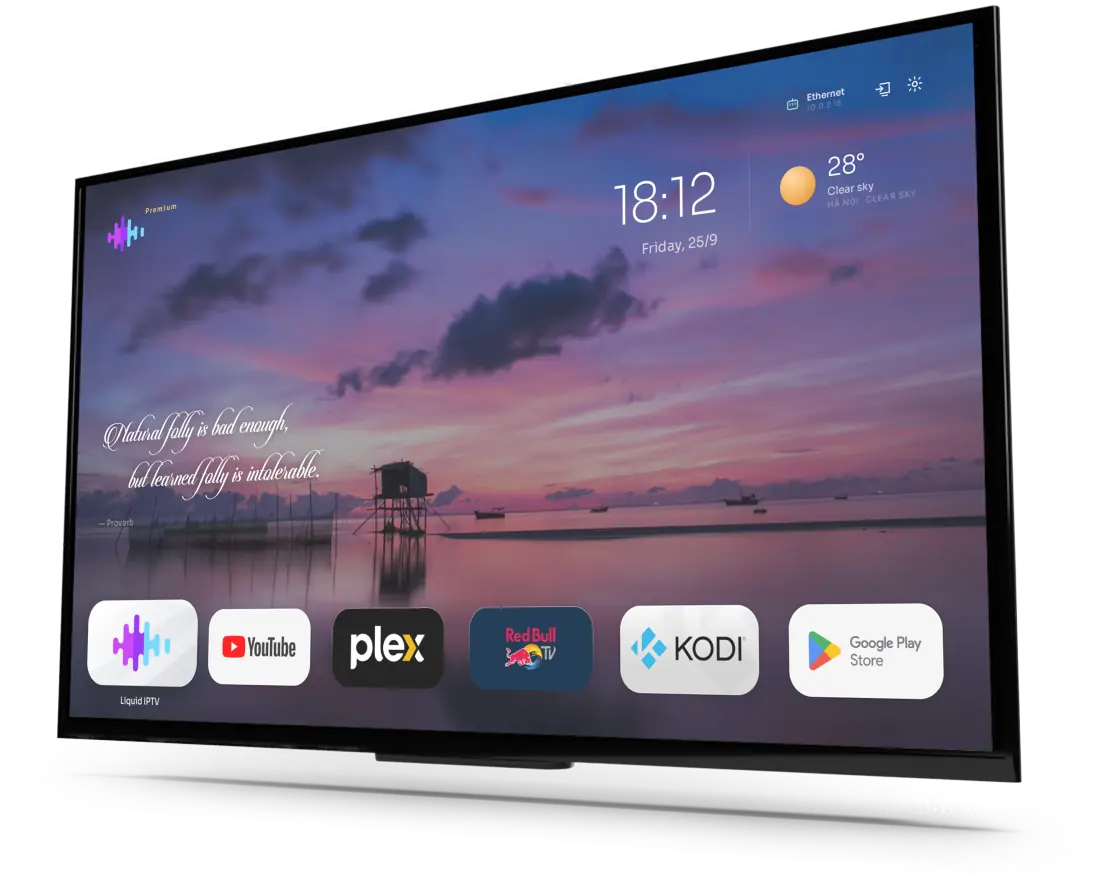
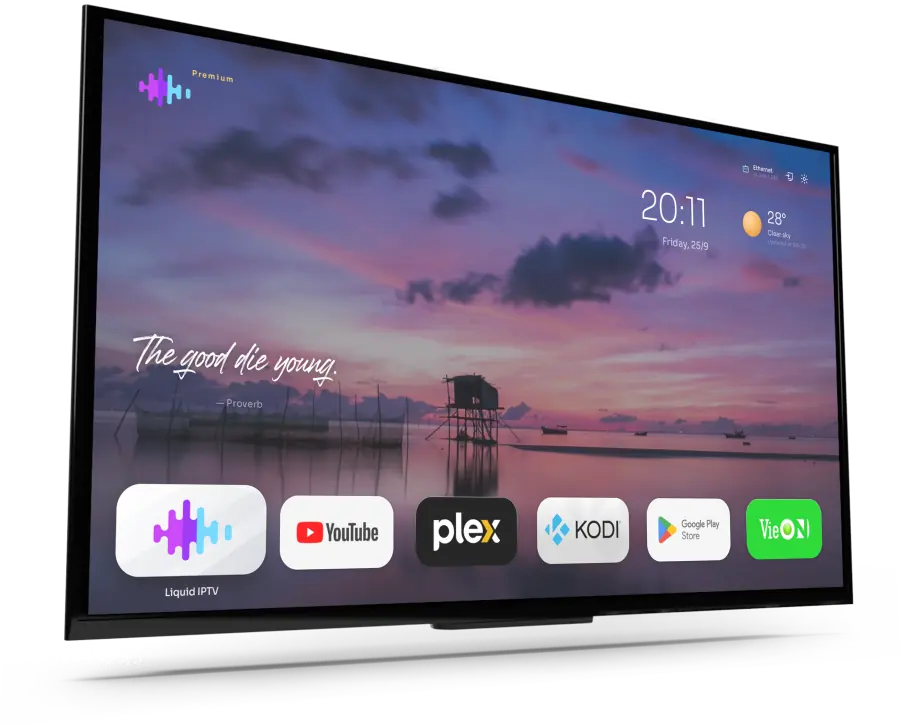
Custom Android TV home screen with Liquid Launcher
01 — CUSTOMISE

Every element, on or off — your call.

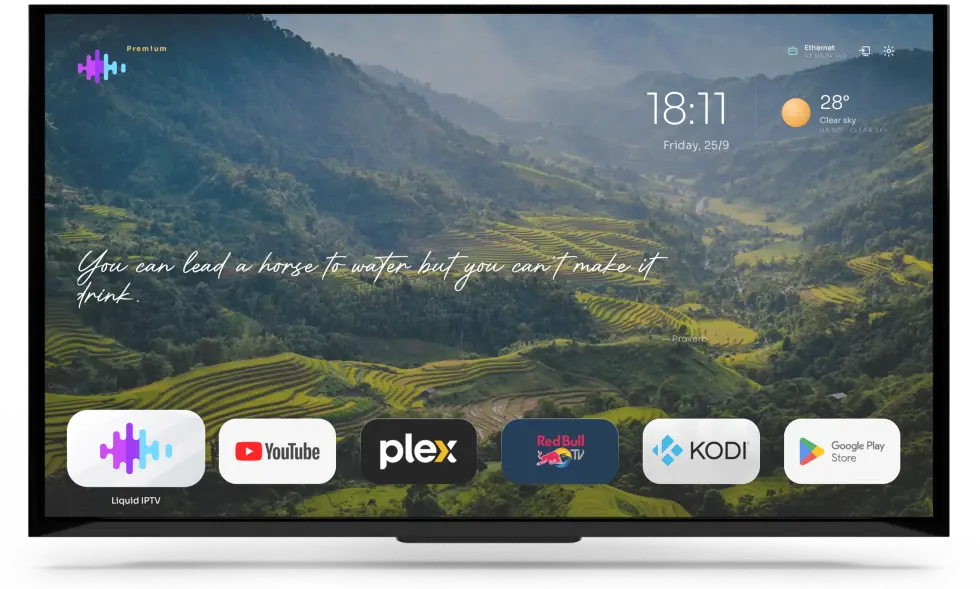
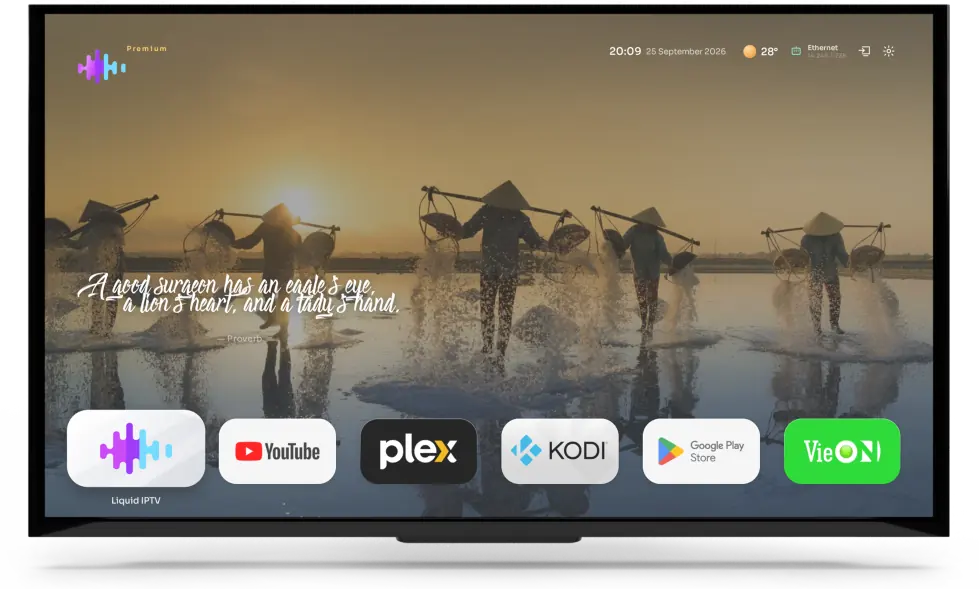
Liquid Launcher is deeply customisable. Clock, weather, quote, logo, network status or app bar — every element can be shown, hidden and fine-tuned to taste. Go minimal with just the wallpaper, or show it all.

Shown on the home screen
Clock & date
Weather
Daily quote
App bar
Network status
Logo
Home screen with every elementFull — big clock, weather, quote, apps
A lean home screenLean — everything in one line at the top
12languages

The home-screen quote can be shown in 12 languages — pick the one your family speaks.

viTiếng Việtko한국어ja日本語zh中文deDeutschfrFrançaisthไทย +5 more
02 — SETTINGS

Tweak everything, with just the remote.

Settings that are incredibly flexible yet crystal clear: options grouped together, arrow keys to move around, and every change shows up on screen instantly — no manual needed.

01WallpaperPick photos and how often they change
02DisplayShow or hide each element, layout
03WeatherLocation, units, display style
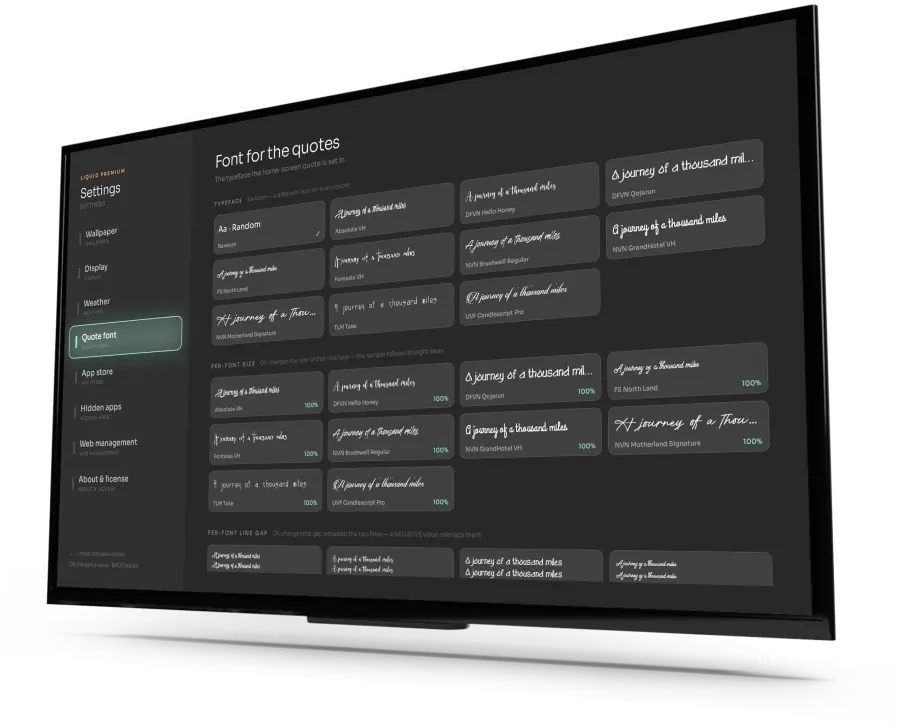
04Quote fontTypeface, size, line spacing
05App storeInstall more apps
06Hidden appsTuck away the apps you never use
07Manage on the webAdjust the launcher from your phone or computer
08About & licenceActivation, licence details
Quote font settings
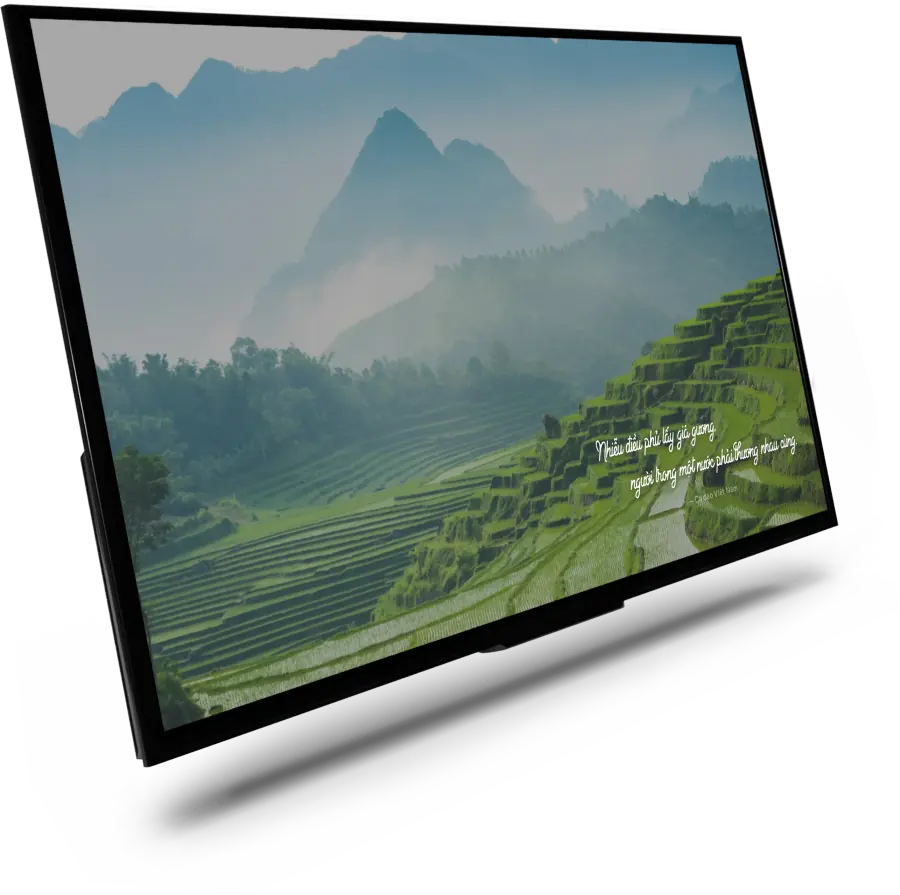
A Vietnamese folk verse over the wallpaper

Red silk draped over the mirror’s stand — people of one land must care for one another.

— Vietnamese folk verse

Each quote appears over the wallpaper in the handwritten font you choose. Set the size and line spacing for each font separately, with an instant preview.

03 — SCREENSAVER

When you’re not watching,
your TV becomes a painting.

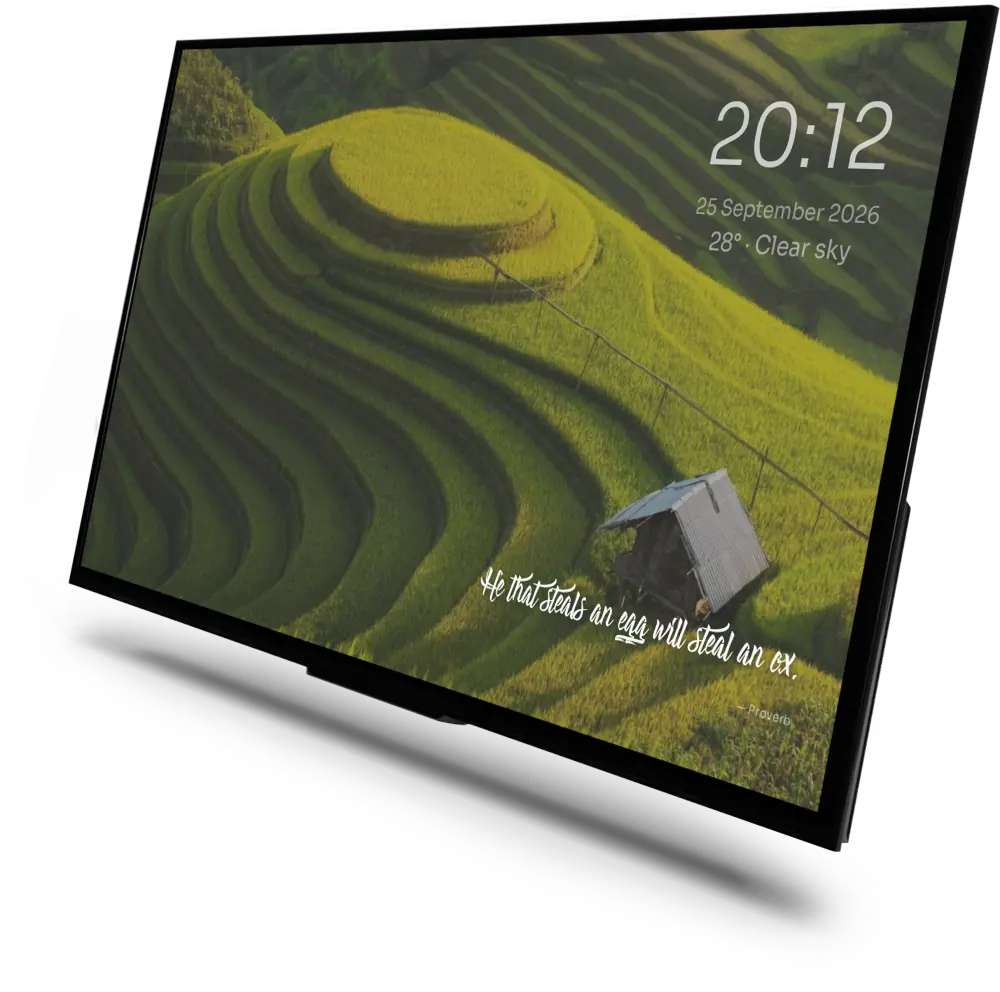
The screensaver kicks in when the TV sits idle — a full-screen landscape, a gentle quote, a minimal clock. Your living room gains a work of art, and your screen stays protected.

The Liquid Launcher screensaver
Rice terraces at harvest time Liquid Screensaver · Landscape photo, 4K
01
Starts when idleAfter the time you choose, the TV switches to picture mode. Press the remote and you’re right back.
02
Protects your screenThe image keeps changing, preventing burn-in and keeping your panel looking its best.
03
Minimal, refinedJust the clock, date, weather and a quote — or hide it all and keep only the picture.
The app bar in Liquid Launcher on an Android TV box
04 — APPS

Your favourite apps, in one tidy row.

Line up the apps you use most in a single row, hide the ones you don’t need, and manage the launcher straight from your browser.

Hide appsManage on the webApp storeDisplay options
Liquid Launcher for Android

Buy once,
beautiful forever.

01High-quality landscape wallpapers
02A daily quote in a choice of handwritten fonts
03Clock, date and weather
04Arrange and hide apps · manage on the web
L
Liquid Launcher for Android TV & TV box
Lifetime licence
$10.00
PlatformAndroid TV · TV box
Licence1 device
PaymentOne-time
Renewal feeNone
Buy now→ Buying in bulk? See reseller pricing
05 — FAQ

Questions about Android TV launchers.

What is an Android TV launcher?

A launcher is the app that draws your TV’s home screen: the wallpaper, the clock and the apps you see when you press Home. Liquid Launcher replaces the stock home screen of an Android TV or TV box with one you set up yourself.

How do I install a custom launcher on an Android TV box?

Download the APK from this page, allow installs from unknown sources, and install it. Then press Home and, if your box asks, choose Liquid Launcher as the home app.

Does it work on Google TV or Fire TV?

Liquid Launcher is made for Android TV and Android TV boxes. Some systems, including many Google TV and Fire TV devices, don’t let you choose a different home app, so download it and try it on your device before you buy.

Can I hide and rearrange apps on the home screen?

Yes. Line up the apps you use most in one row, hide the ones you never use, and switch the clock, weather, quote, network status, logo and app bar on or off — with the remote, or from your phone or computer on the web. The app grid can also show Android’s own Settings tile.

Can I change the wallpaper and the screensaver?

Pick landscape photos or video wallpapers and how often they change. When the TV sits idle, the screensaver shows a full-screen picture with a clock and a quote, and the remote brings you straight back.

How do I clean up a cluttered TV box home screen?

Set Liquid Launcher as the home screen: pressing Home then shows only your wallpaper, the elements you switch on and the apps you keep. Apps you never use can be hidden.

Is Liquid Launcher free?

The APK is free to download. The lifetime licence is a one-time payment for one device, with no renewal fee.

Which languages does it support?

The daily quote on the home screen can be shown in 12 languages, so you can pick the one your family speaks. The date line can also show the Vietnamese or Chinese lunar calendar, with countdowns to festivals.